

The “Shadow-Phone” Hack: 5 Digital Safety Moves Every Solo Female Traveler Should Make
Solo travel can be empowering, restorative, and deeply personal, yet digital safety deserves as much planning as flights and lodging. Phones now hold boarding passes, banking apps, hotel confirmations, ride histories, and private conversations, making them a prime target for theft or cyber intrusion. The “shadow-phone” approach focuses on limiting digital exposure while staying connected. These five practical, protective moves help solo female travelers reduce risk without sacrificing convenience or confidence on the road.
1. Use a “Shadow Phone” or Secondary Device for Travel

A shadow phone is a secondary device used exclusively for travel, set up with only essential apps such as maps, rideshare services, airline accounts, and a secure messaging platform. It limits access to primary banking, personal photos, and sensitive work data. If the device is lost or stolen, exposure remains contained, and recovery becomes simpler. For longer international trips, purchasing an affordable unlocked device can be cost-effective compared with replacing a fully loaded primary phone. Before departure, remove unnecessary cloud sync features and log out of shopping platforms that store payment details.
2. Strip Your Lock Screen of Personal Clues

Lock screens often reveal more than travelers realize, including full names, email previews, and verification codes that flash in notifications. Adjust settings so message previews remain hidden and disable sensitive alerts from financial or authentication apps. Avoid displaying a full name beneath contact details, and remove any photo that signals home location, school affiliation, or workplace branding. In unfamiliar environments, even small details can create unnecessary vulnerability. Setting up Face ID or fingerprint access with a strong alphanumeric passcode adds another layer of protection.
3. Set Up Two-Factor Authentication Before Departure
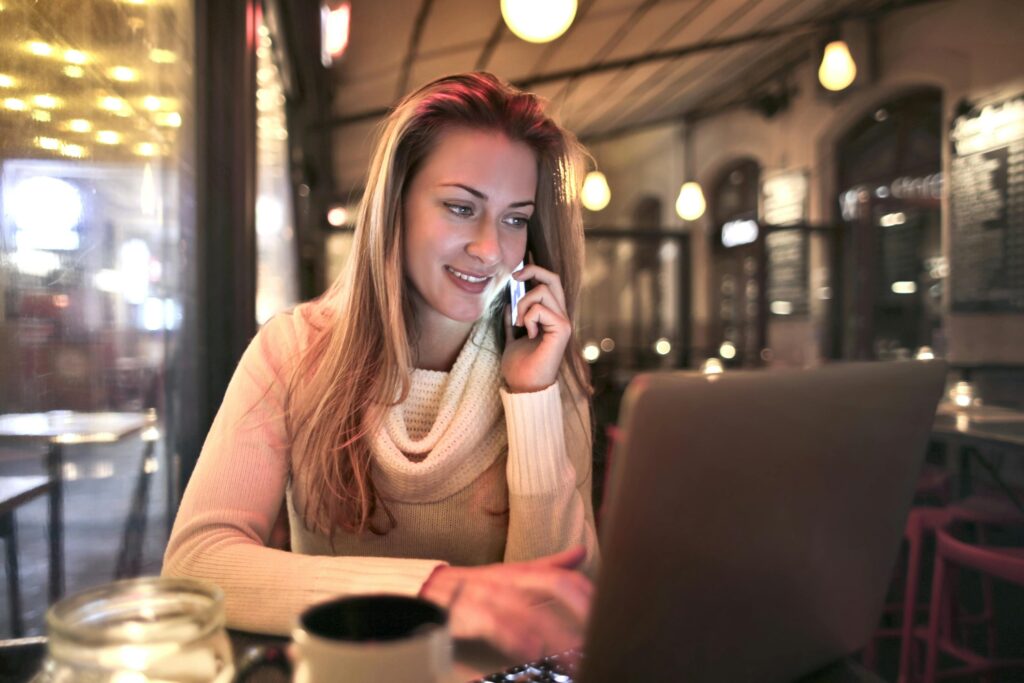
Two-factor authentication, ideally through an authenticator app rather than SMS alone, strengthens account security significantly. If your phone number is compromised or swapped, SMS-based codes can be intercepted. Authenticator apps generate time-sensitive codes stored securely on the device. Before leaving, confirm that email, banking, airline, and cloud storage accounts all require this additional step. Create backup recovery codes and store them securely, separate from your device, perhaps in a password manager or a printed copy kept in luggage. Review account recovery email addresses to ensure they are current.
4. Use a VPN on Public Wi-Fi, Even in Hotels
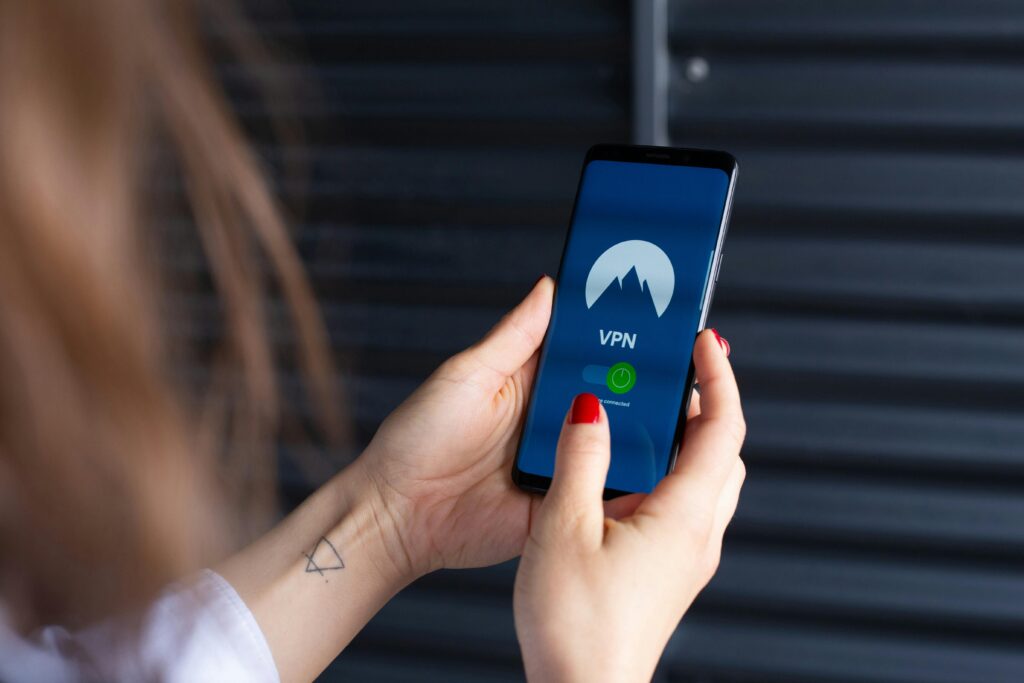
Public Wi-Fi networks in airports, cafés, coworking spaces, and hotels can expose data if connections are not encrypted properly. A reputable virtual private network, installed and tested before departure, encrypts internet traffic and reduces the chance of interception. At the same time, most modern websites use HTTPS; unsecured networks still present risk, particularly when accessing financial platforms or cloud-based documents. Avoid conducting sensitive transactions on open networks whenever possible. Turn off automatic Wi-Fi connection settings so your phone does not join unfamiliar networks without notice.
5. Share Location Intentionally, Not Continuously

Real-time location sharing can enhance safety when used thoughtfully. Share live location with a trusted contact during rideshare trips, late-night returns, or unfamiliar transfers. However, avoid broadcasting movements widely on social media. Posting in real time may signal that you are alone or away from home for an extended period. Delay public posts until after leaving a location, and review privacy settings so apps access location data only when actively in use. Disable geotagging for photos unless necessary. The objective is balance: maintaining reassurance for loved ones without creating a predictable digital trail.